Install Clawdline and open your Sessions.
Install Clawdline, then follow the app’s guide to connect your devices.
Checked against the product on 22 October 2026
Latest release: Clawdline v2.9.0 · platform support
1. Install the release

Apple Silicon · macOS 13+
curl -fsSL https://clawdline.com/install.sh | sh2. Check installation
clawdline doctorIn the Mac app’s Local tab, choose Setup at the top right.
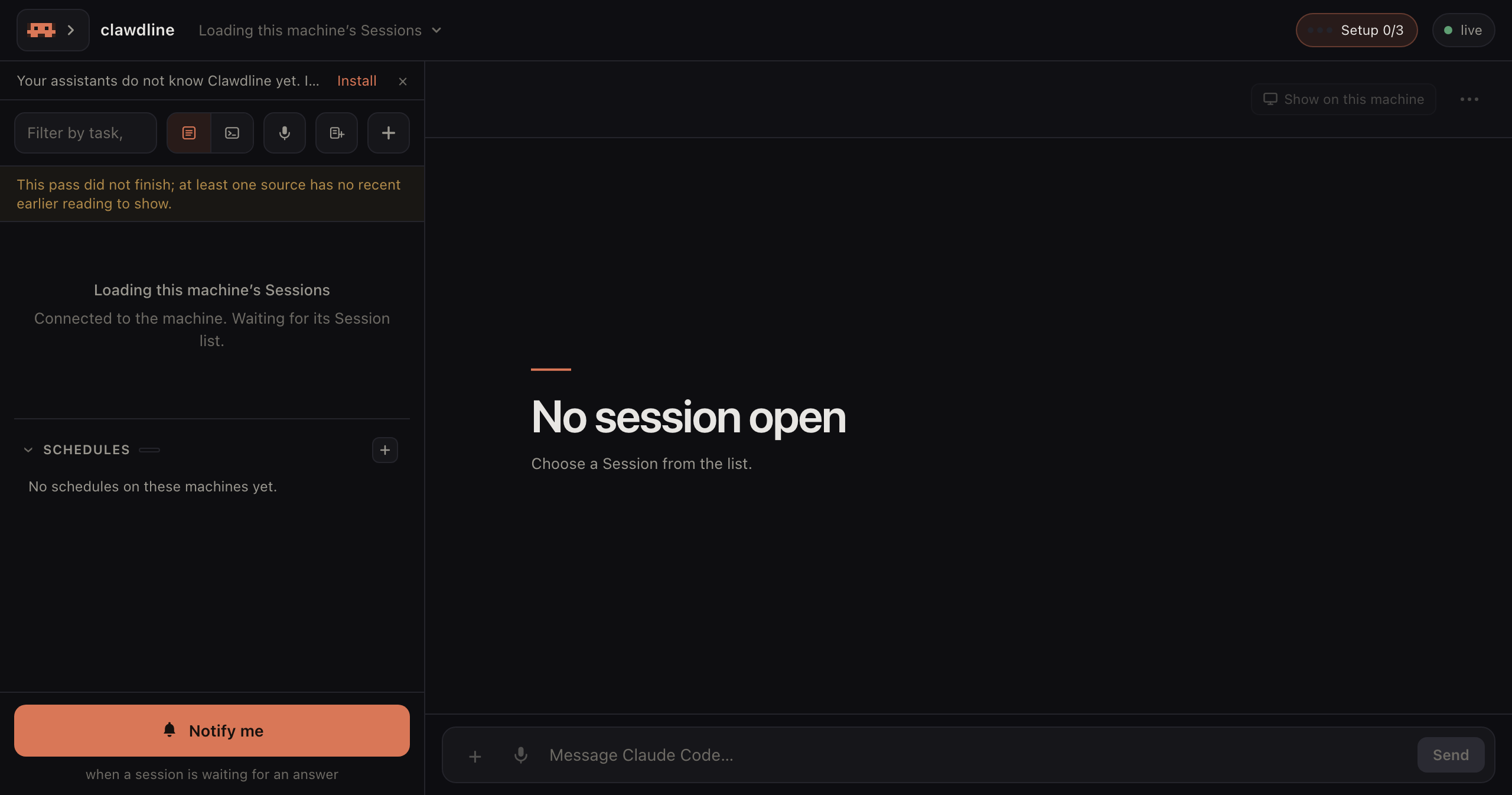
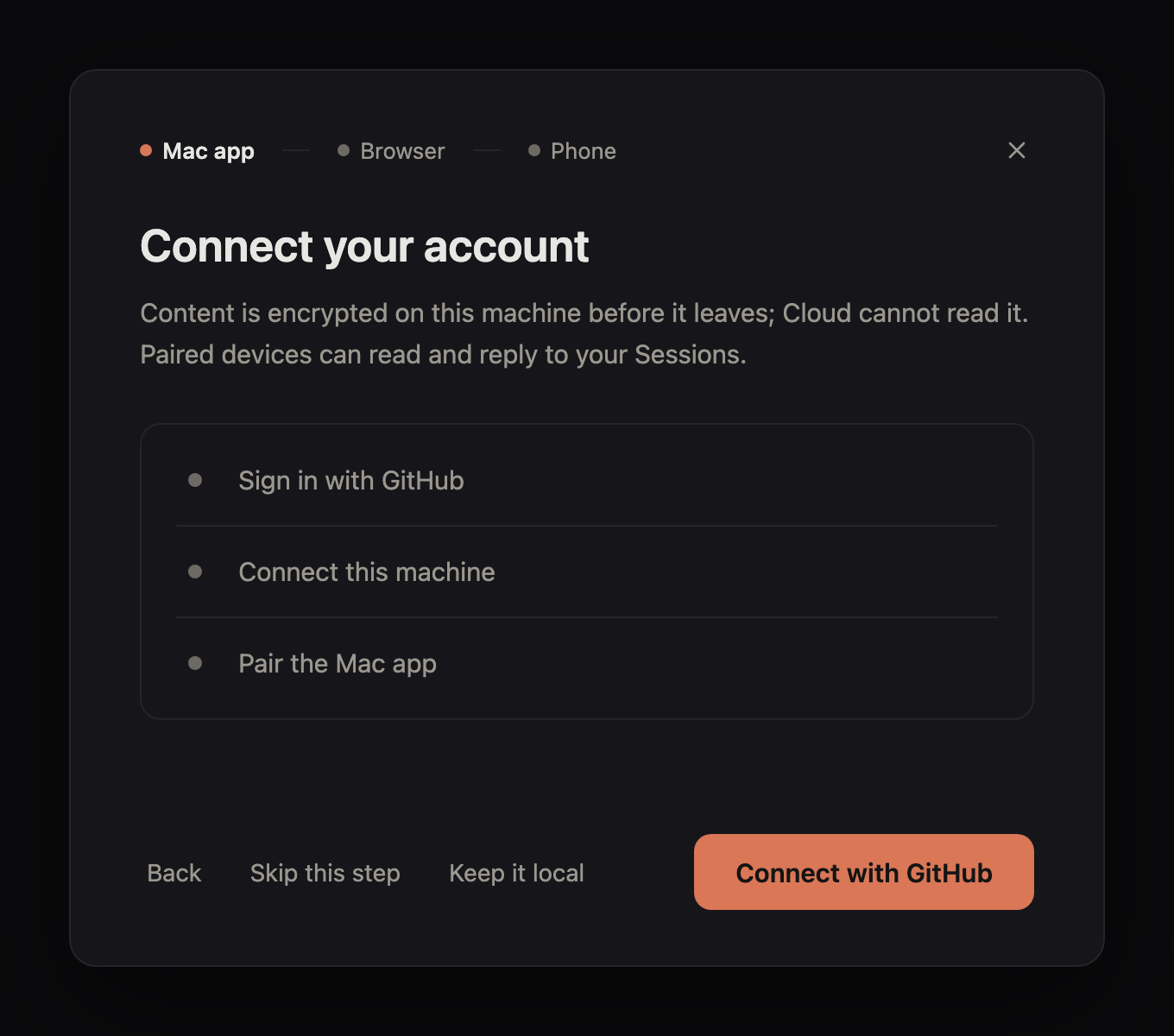
Start setup → Connect with GitHub
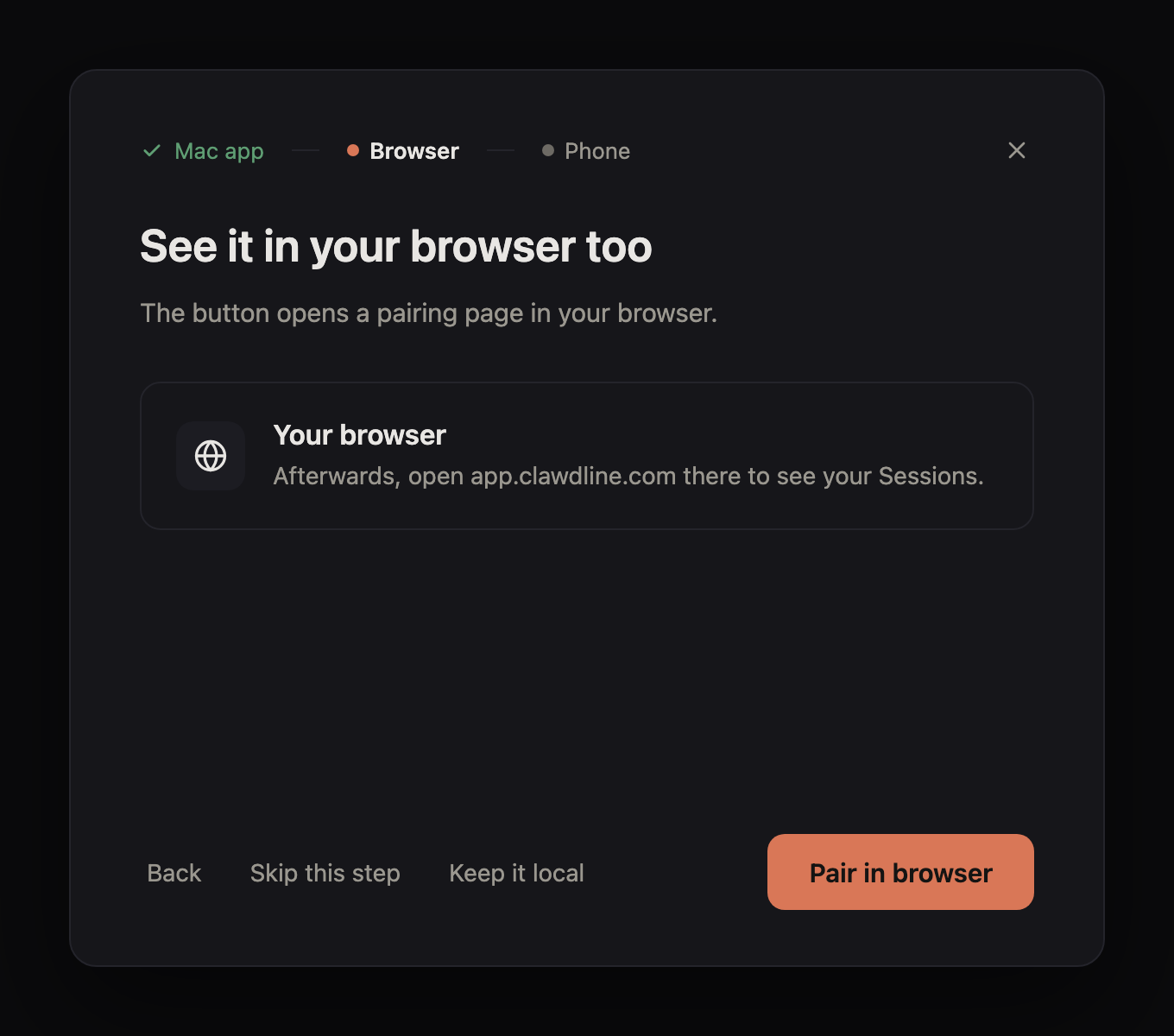
Pair in browser
3. Pair your phone
iPhone / iPad
-
Safari: app.clawdline.com → Share → Add to Home Screen
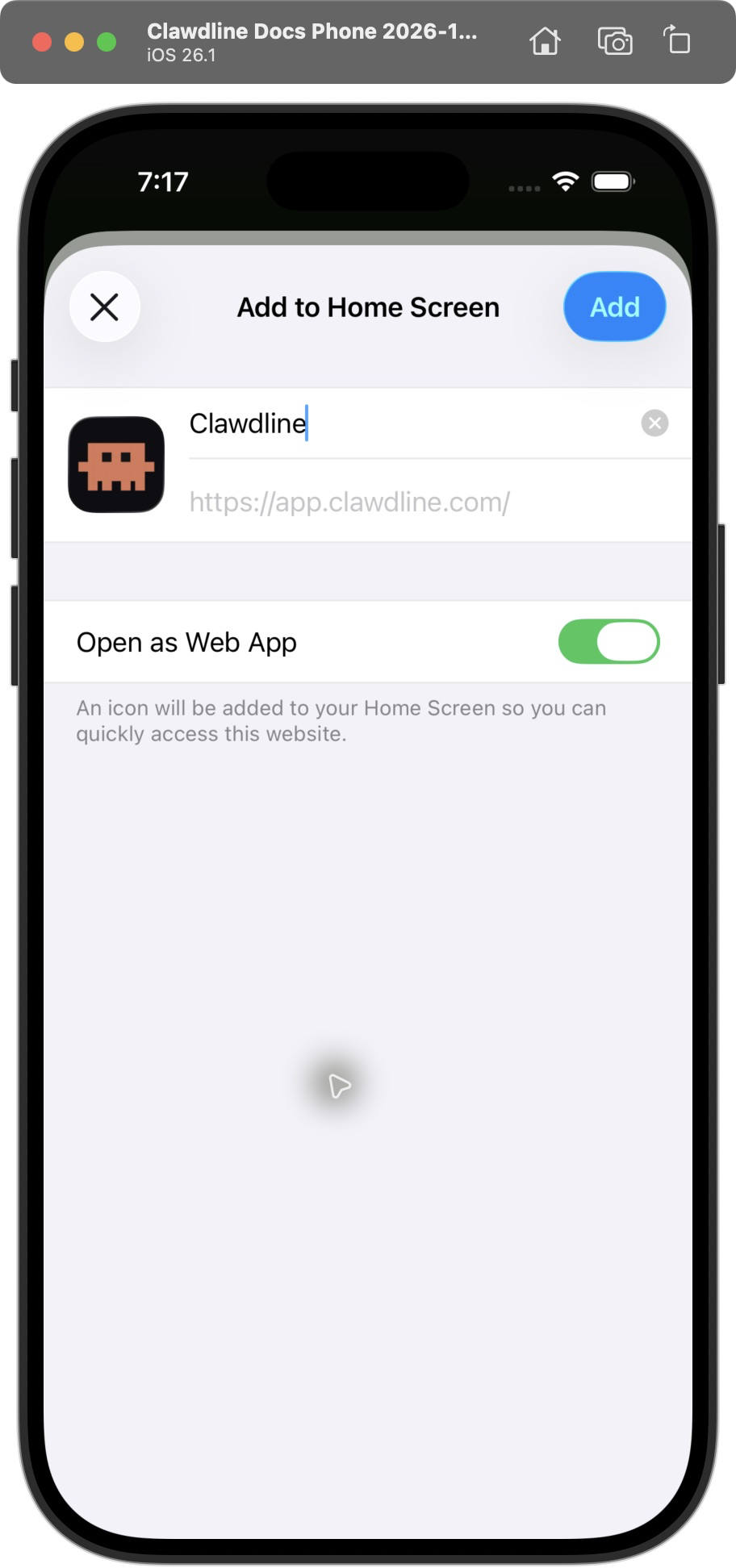
-
Show the QR code in the Mac app
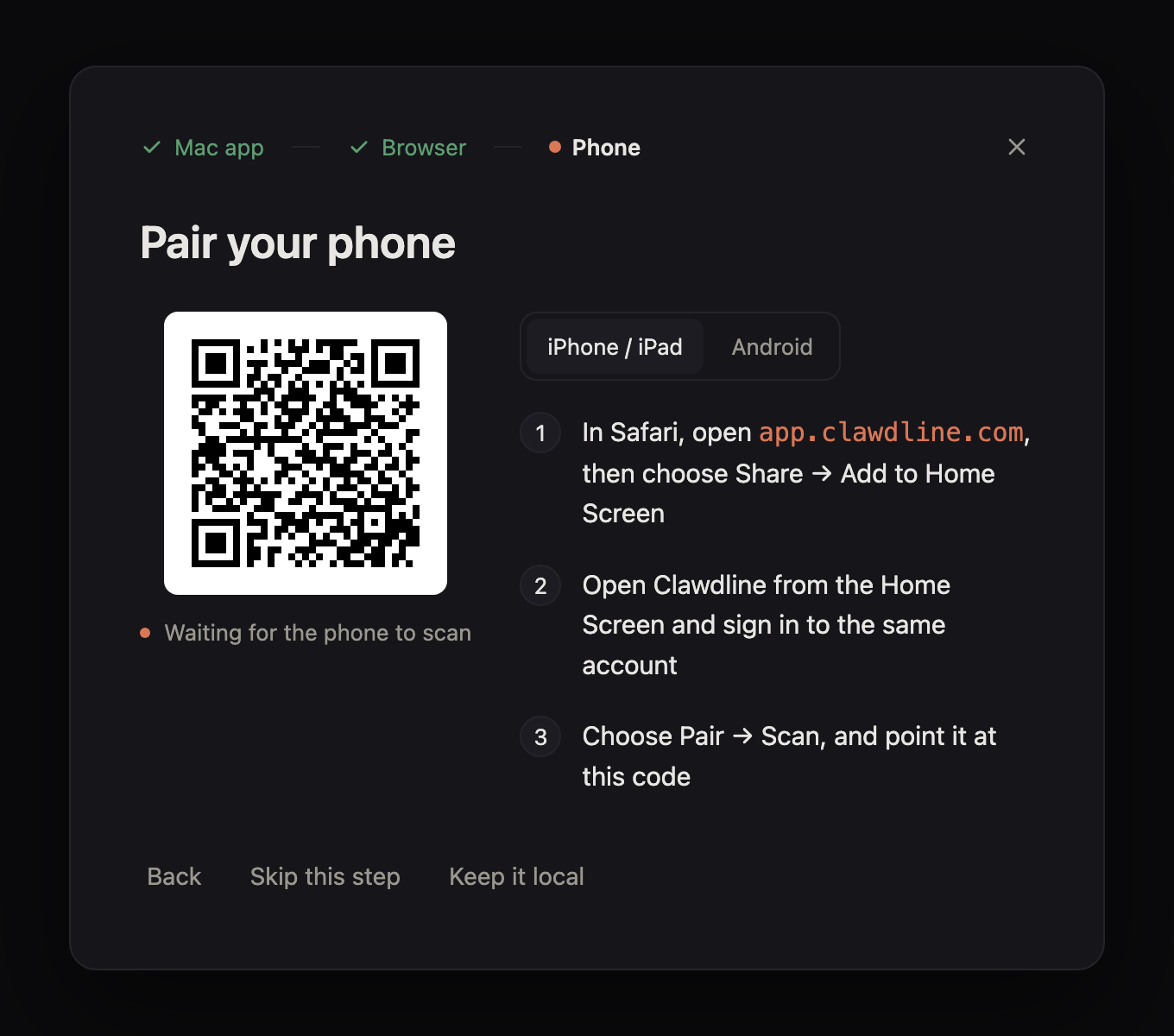
Setup guide example. Scan the QR shown on your own Mac. -
Scan inside the phone app
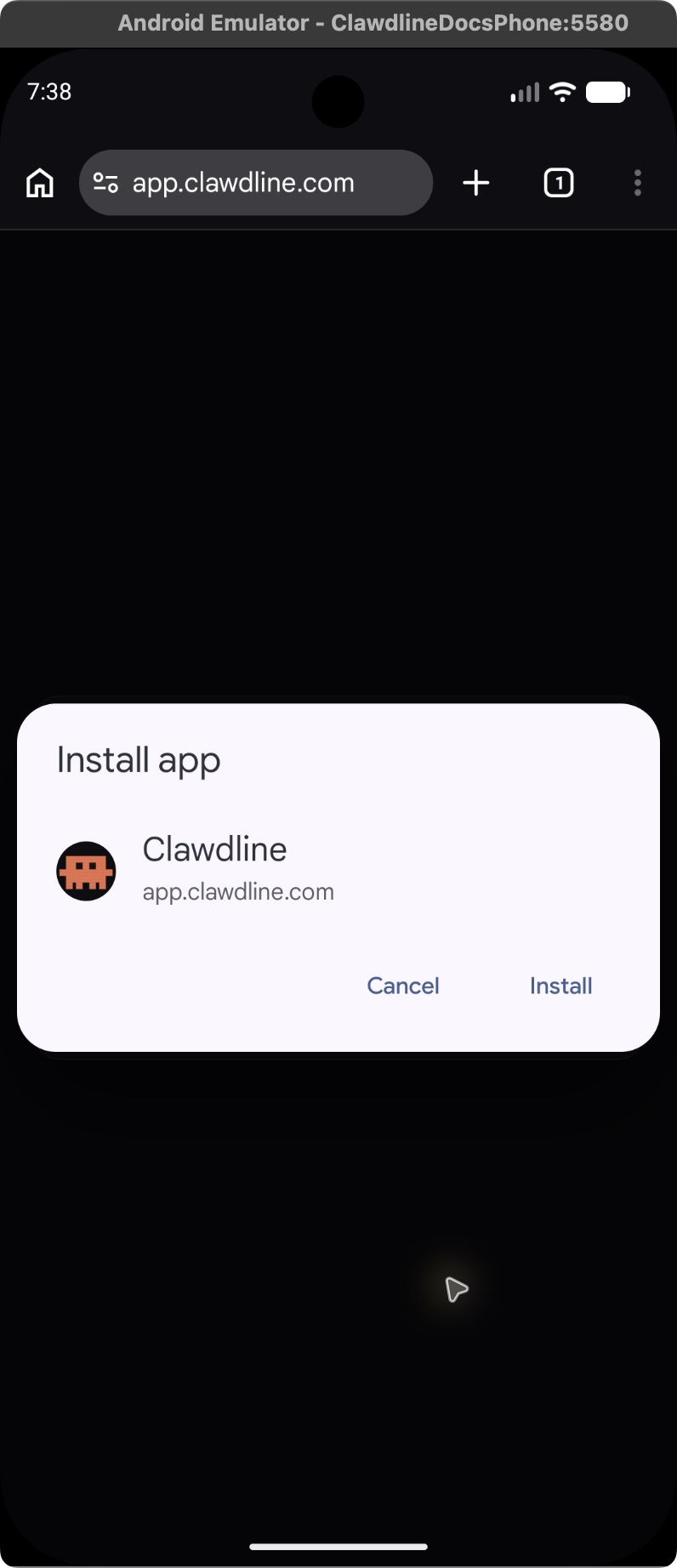
Android
-
Chrome: app.clawdline.com → ⋮ → Add to Home screen
-
Show the QR code in the Mac app
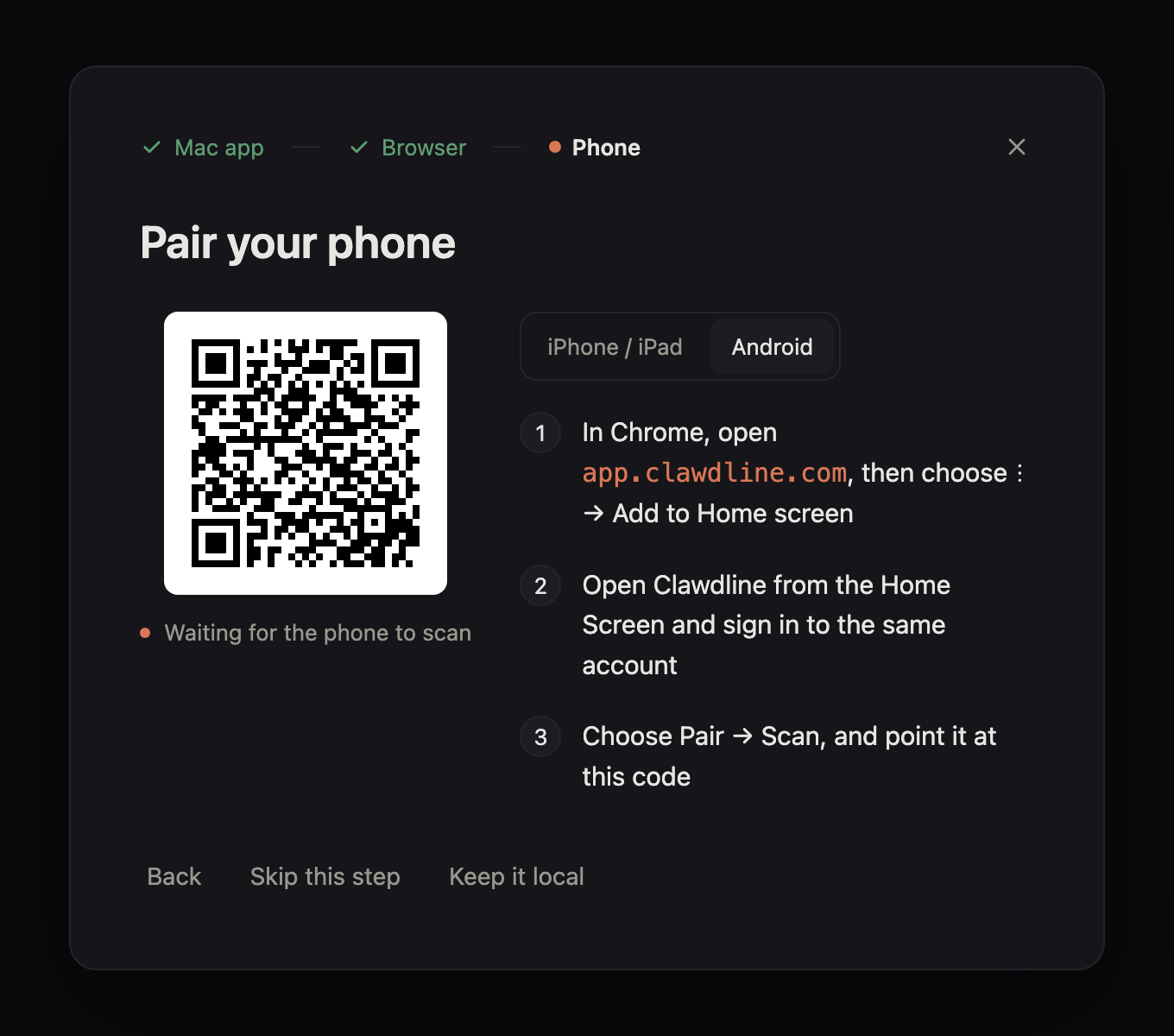
Setup guide example. Scan the QR shown on your own Mac. -
Scan inside the phone app
4. Update when a release is available
The Settings page shows the running and available versions. Choose Update now, or run clawdline update --apply. A failed startup rolls back to the previous release; existing tmux Sessions keep running. Automatic updates are off until you enable them on this machine.
Platform differences
| macOS | Linux desktop | Linux without a desktop | |
|---|---|---|---|
| Console | Browser; Apple silicon also gets the app | Browser | Browser over an SSH port forward |
| Session sources | tmux and iTerm2 | tmux | tmux |
| Service | LaunchAgent | systemd --user | systemd --user |
The release installer has been checked on Ubuntu 24.04 and Debian 12. Other Linux desktops and distributions still need their own validation. On a machine without a desktop, see the printed SSH forwarding instructions.
Stop or remove Clawdline
To remove the service, app, command and releases while keeping your Sessions and settings:
clawdline setup --uninstallTo also erase paired devices, settings and Clawdline's state, use clawdline setup --uninstall --purge. The installer can do the same with --uninstall if the command is no longer installed. Open tmux Sessions keep running.
For install options, verified release details, source builds and troubleshooting, read the installation guide and troubleshooting.